Upload Documents
To upload
a transaction document in the portal: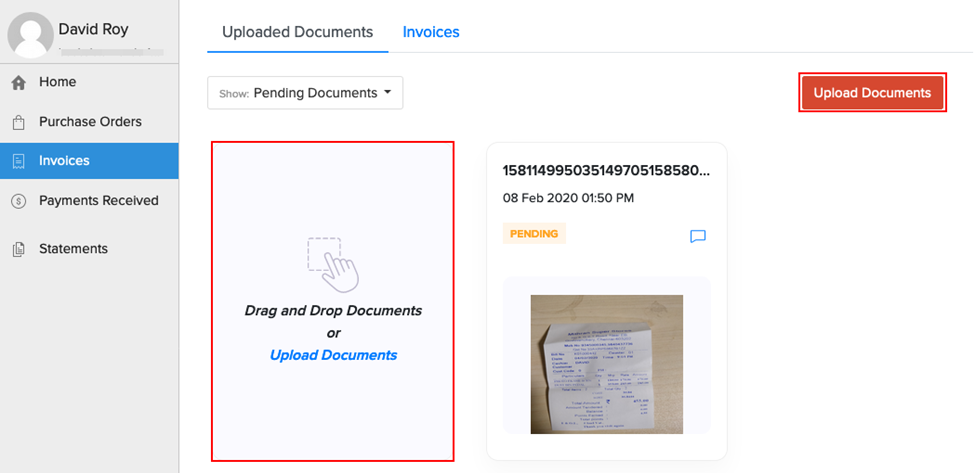
You can upload images
and PDFs of the document. The maximum file size for each document is
5MB.
- Download/Print and take a picture of the transaction’s
document.
- Log into the portal using the link provided in the email.
- Go to the Invoices module and stay on the Uploaded
Documents tab to add transaction documents.
- Drag and Drop or Upload Documents from
the computer.